Deploying a Secure Next.js App on a Linux VPS with Nginx & Docker
Let’s go beyond development and start thinking like a DevOps engineer.
The goal of this article is to provide a simple and fast approach to setting up a secure Linux VPS to host a Next.js application using Nginx and Docker. For this guide, we’ll use AlmaLinux 9 on a basic Namecheap VPS.
🔧 Prerequisites
- MacBook or Windows PC (this guide uses macOS)
- An existing project (Next.js recommended)
- Domain with DNS managed via Cloudflare
🖥️ Install AlmaLinux 9 on VPS
Install AlmaLinux 9 using your hosting provider’s control panel. For this article, a Namecheap Basic VPS is used.
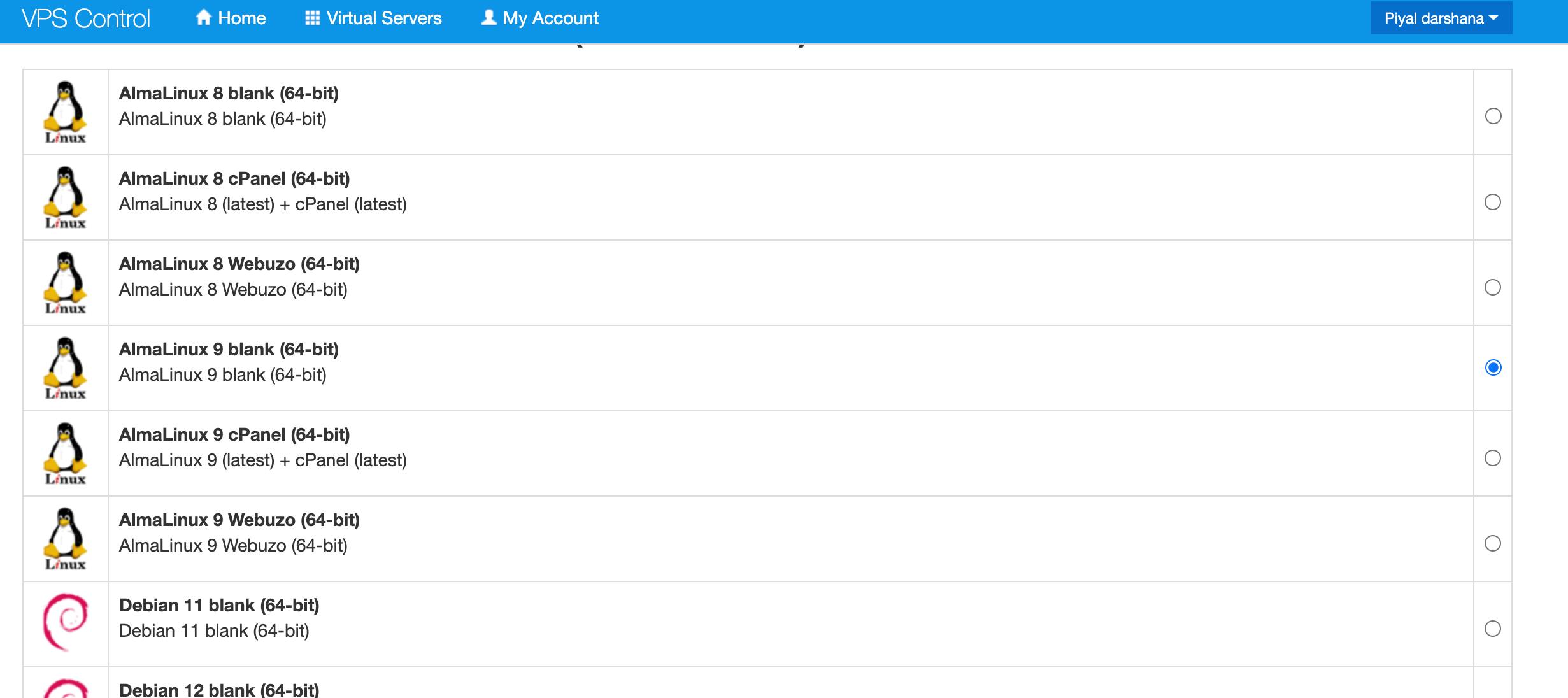
Once installation is complete, open a terminal on your local machine.
🔐 Generate SSH Key (Local PC)
ssh-keygen -t ed25519 -C "VPS-server"When prompted, provide a name for the key:
/Users/YOUR_USER_NAME/.ssh/vps-serverDisplay the public key:
cat /Users/YOUR_USER_NAME/.ssh/vps-server.pub🔑 Login to VPS (First Time)
ssh root@YOUR_SERVER_IPAfter a successful login, you should see the server terminal.

✍️ Install Nano Editor
sudo dnf install nano -y🔓 Configure SSH Key Authentication (VPS)
mkdir -p ~/.ssh
nano ~/.ssh/authorized_keys
Paste the public key from your local machine.
Set correct permissions:
chmod 700 ~/.ssh
chmod 600 ~/.ssh/authorized_keys
From now on, you can log in without a password:
ssh -i /Users/YOUR_USER_NAME/.ssh/vps-server root@SERVER_IP🔥 Firewall Configuration (firewalld)
sudo dnf install -y firewalld
sudo systemctl enable --now firewalld
Allow essential services (DO NOT skip SSH):
sudo firewall-cmd --permanent --add-service=ssh
sudo firewall-cmd --permanent --add-service=http
sudo firewall-cmd --permanent --add-service=https

sudo firewall-cmd --reload
sudo firewall-cmd --list-all
⚠️ Warning: If SSH is not allowed, you will be locked out.
🛡️ Install Fail2Ban (Brute-force Protection)
While Cloudflare protects against DDoS attacks, server-level services such as SSH still require protection.
sudo dnf install -y epel-release
sudo dnf install -y fail2ban
sudo cp /etc/fail2ban/jail.conf /etc/fail2ban/jail.local
Edit configuration:
sudo nano /etc/fail2ban/jail.local[sshd]
enabled = true
port = ssh
maxretry = 3
bantime = 3600
[nginx-http-auth]
enabled = true
[nginx-botsearch]
enabled = truesudo systemctl enable fail2ban
sudo systemctl restart fail2ban
sudo fail2ban-client status🔄 Enable Automatic Security Updates
sudo dnf install -y dnf-automatic
sudo systemctl enable --now dnf-automatic.timer
sudo systemctl status dnf-automatic.timer
🔄 Set timezone
timedatectl list-timezones
sudo timedatectl set-timezone Asia/Colombo
Verify: timedatectl
🌐 Install Nginx
sudo dnf update -y
sudo dnf install nginx -y
sudo systemctl start nginx
sudo systemctl enable nginx
📦 Create Nginx Server Block
sudo nano /etc/nginx/conf.d/abc.com.confserver {
listen 443 ssl;
server_name abc.com www.abc.com;
ssl_certificate /home/piyal/ssl/abc.crt;
ssl_certificate_key /home/piyal/ssl/abc.key;
location / {
proxy_pass http://127.0.0.1:3023;
proxy_set_header Host $host;
proxy_set_header X-Real-IP $remote_addr;
}
}
server {
listen 80;
server_name abc.com www.abc.com;
return 301 https://$host$request_uri;
}🔒 Install Cloudflare Origin SSL
Cloudflare → SSL/TLS → Origin Server → Create Certificate
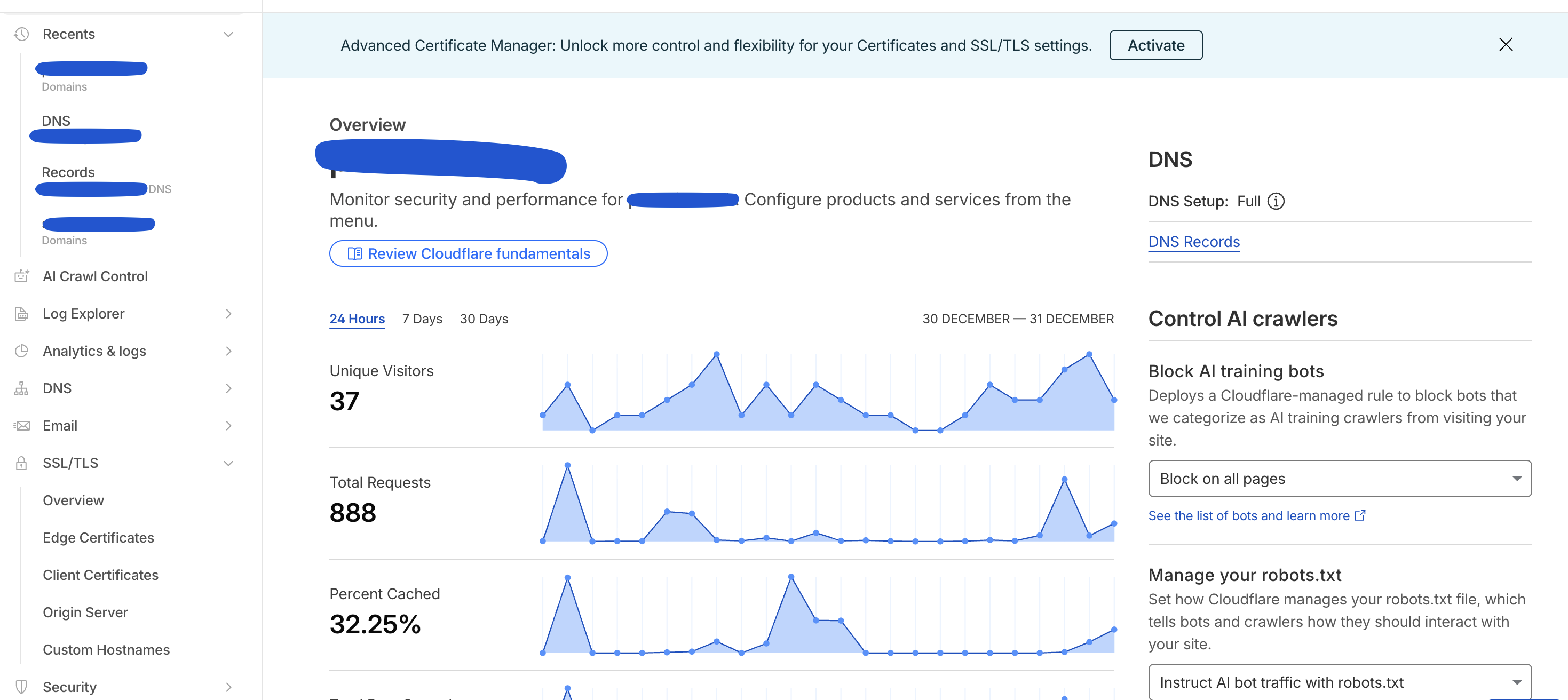
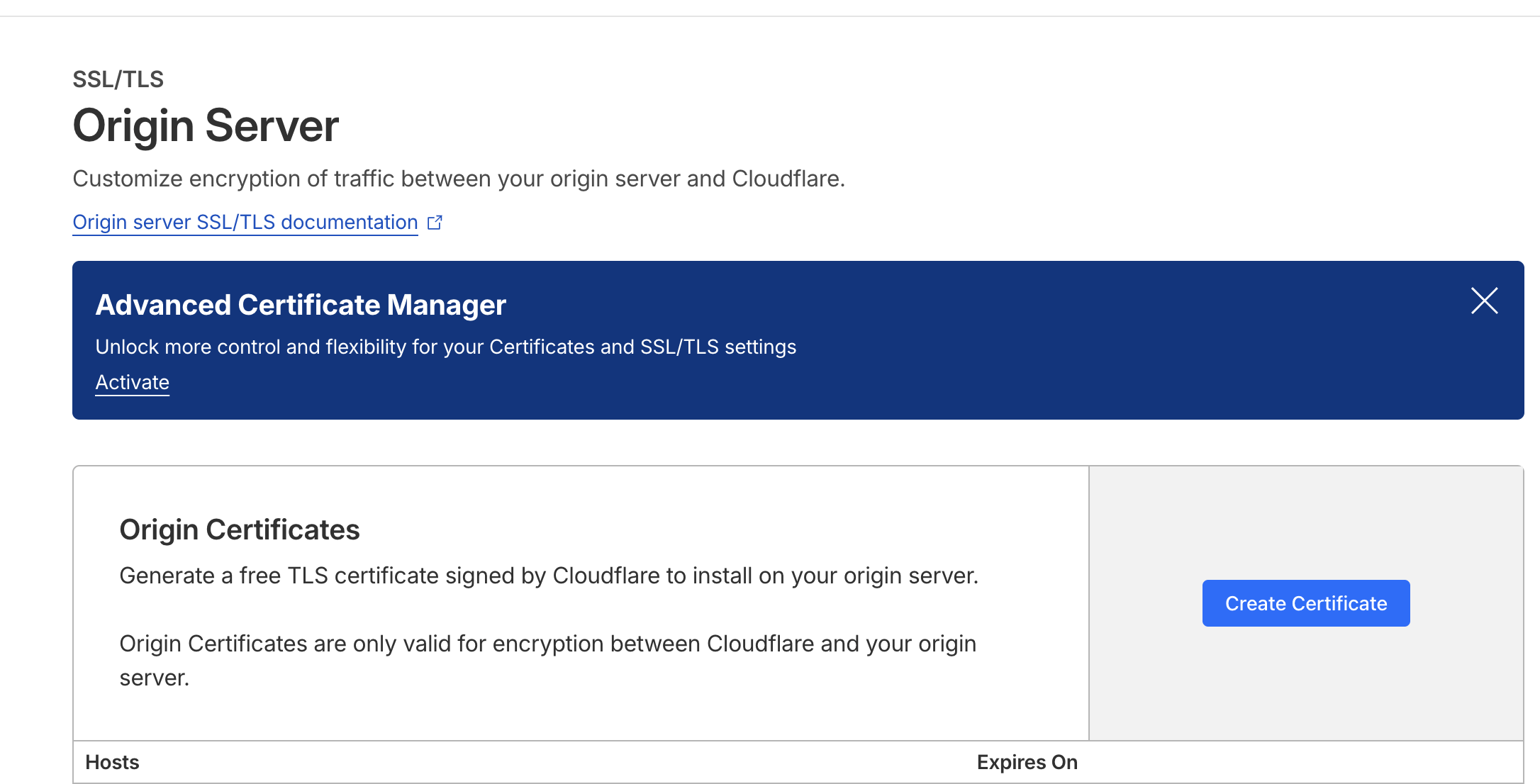
nano /home/piyal/ssl/abc.crt
nano /home/piyal/ssl/abc.key
sudo nginx -t
sudo systemctl restart nginx🐳 Install Docker on VPS
sudo dnf install -y yum-utils
sudo yum-config-manager --add-repo https://download.docker.com/linux/centos/docker-ce.repo
sudo dnf install -y docker-ce docker-ce-cli containerd.io docker-buildx-plugin docker-compose-plugin
sudo systemctl enable --now docker
docker --version
🧱 Dockerize Next.js App (Local Machine)
Create the Dockerfile on your project
FROM node:18-alpine AS builder
WORKDIR /app
COPY . .
RUN npm install && npm run build

FROM gcr.io/distroless/nodejs20-debian12
WORKDIR /app
COPY --from=builder /app/.next/standalone ./
COPY --from=builder /app/.next/static ./.next/static
COPY --from=builder /app/public ./public
EXPOSE 3000
CMD ["server.js"]
🏗️ Build & Transfer Image
docker build --platform linux/amd64 -t abc-com-app-amd64 .
docker save abc-com-app-amd64 | gzip > abc-com-app-amd64.tar.gz
scp abc-com-app-amd64.tar.gz root@SERVER_IP:/root/
▶️ Run Container on VPS
docker load < abc-com-app-amd64.tar.gz

docker run -d \
  --name navora \
  --restart unless-stopped \
  -p 3023:3000 \
  --read-only \
  --tmpfs /tmp:noexec \
  --cap-drop ALL \
  --security-opt no-new-privileges:true \
  --memory 1024m \
  --memory-swap 1024m \
  --cpus="1.0" \
  navora-app-amd64
docker ps✅ Final Result
🎉 Your Next.js application is now live:
👉 https://abc.com
In case if you want to stop an old container and image follow these steps
docker psdocker stop my-app-container docker rm container id docker images docker rmi image_id